Plan your model railway on an iPad or Android tablet
Lay the track plan with your finger, look at it in 3D and take the build plan to the shop. Trackplanner runs in the browser with nothing to install, on the iPad and on Android tablets.
- Start free
- Nothing to install
- With an account on tablet and computer

What your finger does
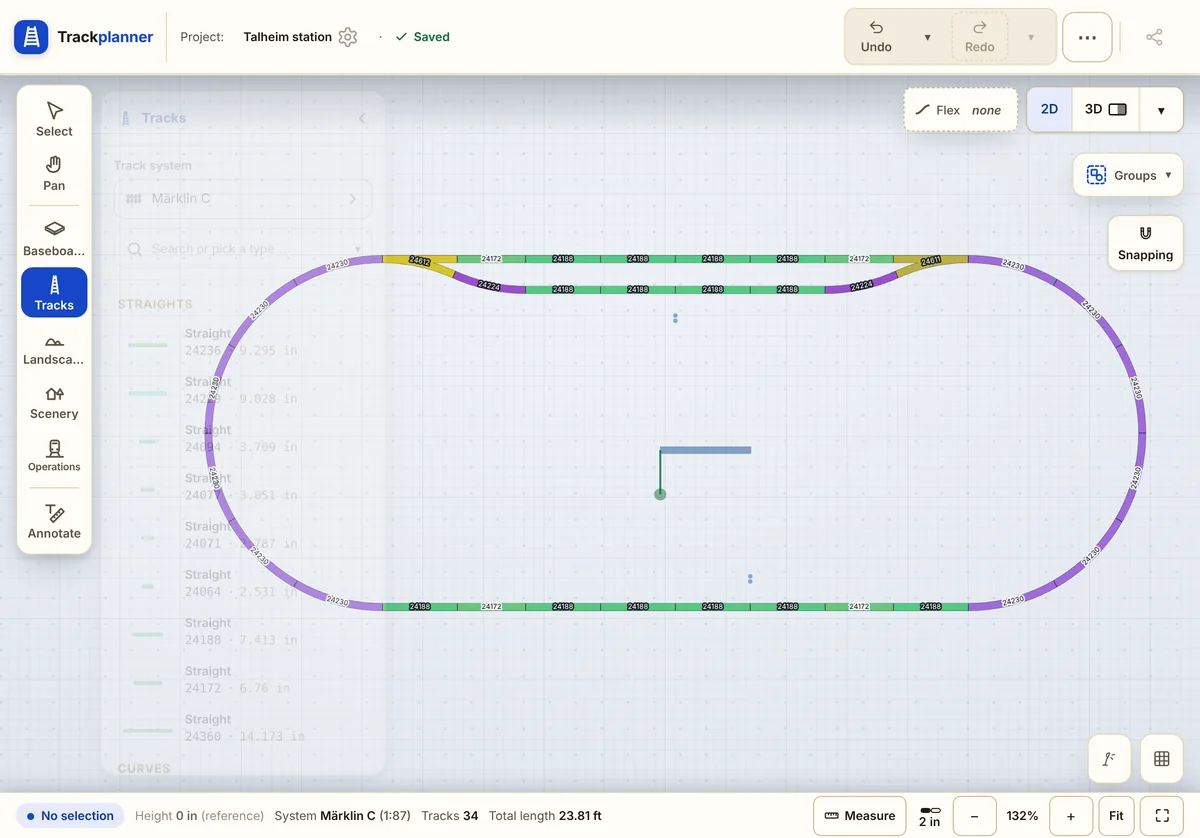
Drag track with your finger
Drag a piece of track from the catalogue into the plan. It floats a little above your finger, so you can see the spot where it should go.
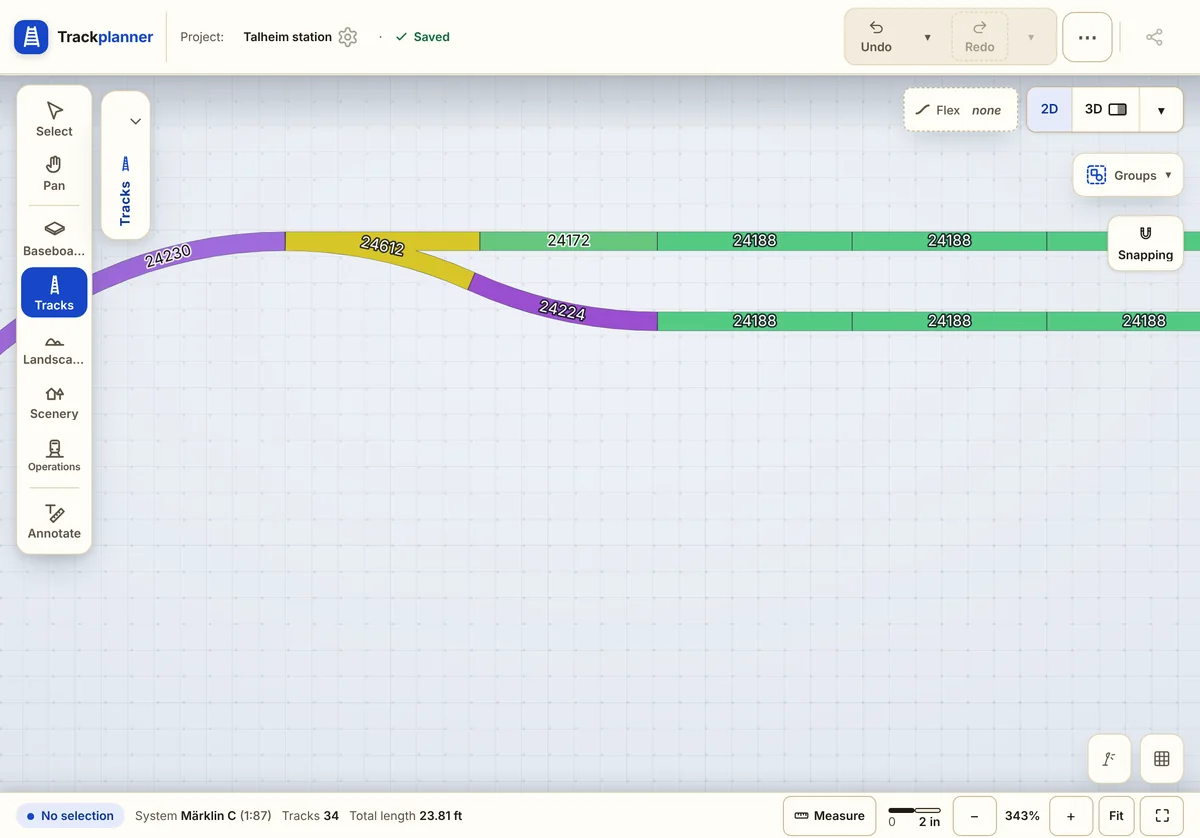
Zoom with two fingers
Spread two fingers and the turnout fills the screen. Pinch them together and you see the whole plan again.
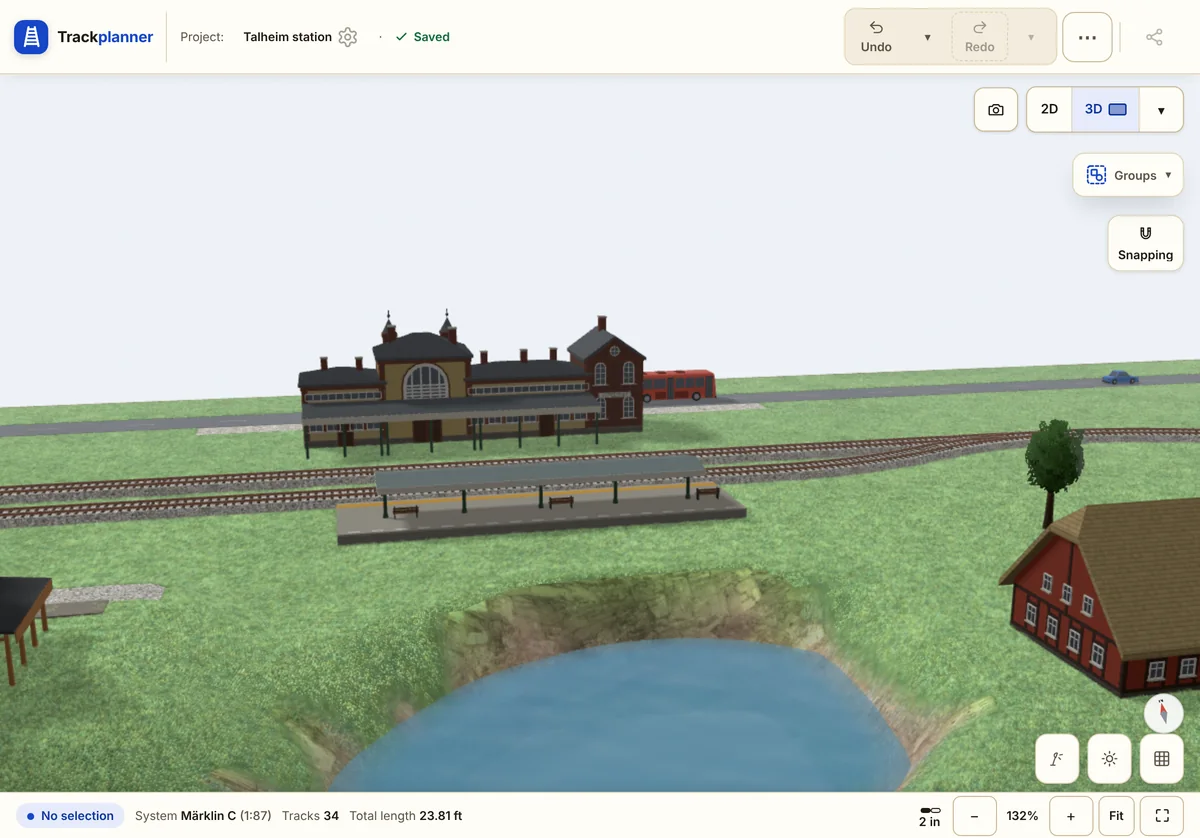
Turn the layout in 3D
In the 3D view one finger turns the camera around the layout. With the Landscape tool you shape hills and valleys with your finger (with Premium), and two fingers then turn the view.
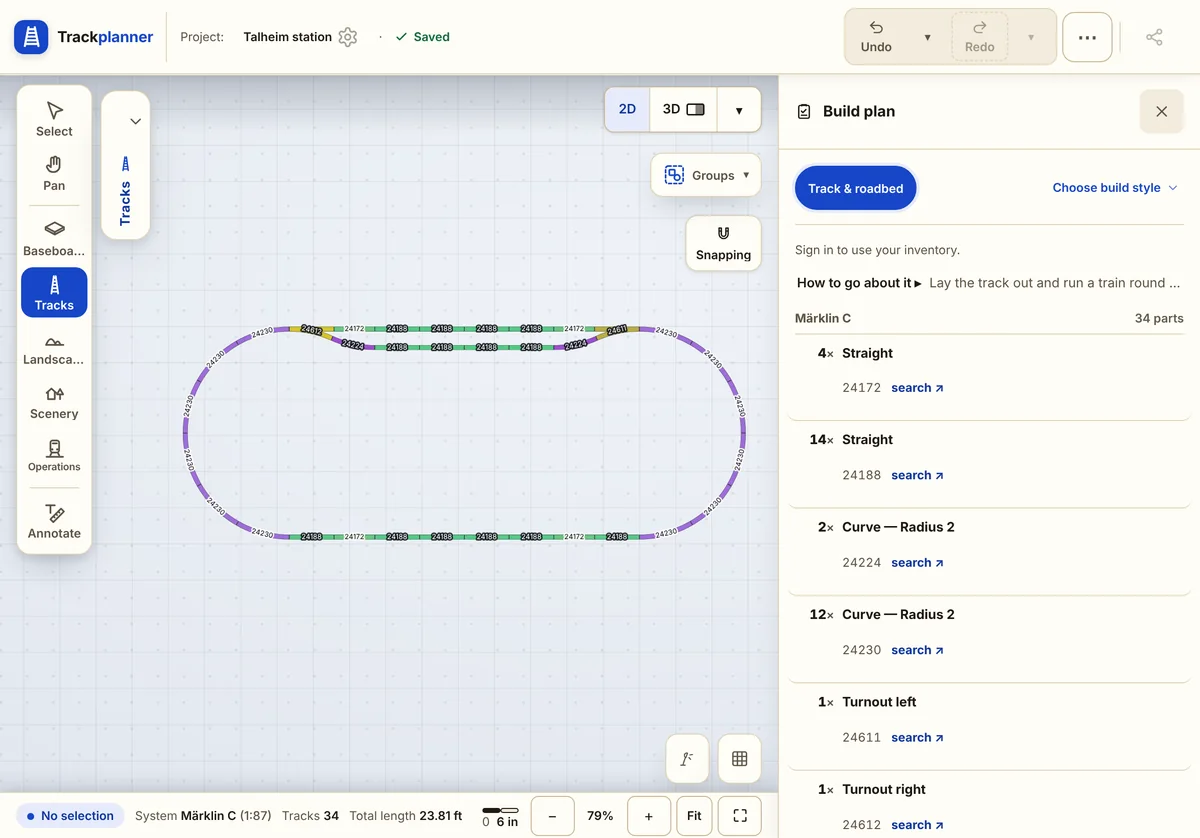
Take the build plan along
The build plan lists every piece of track with its part number and quantity. On the tablet you have the list with you at the model shop.
Like an app on the home screen
Add Trackplanner to your home screen. It then starts without the browser bar, like an app.
- iPad (Safari): Tap Share, then choose “Add to Home Screen”.
- Android tablet (Chrome): Open the menu at the top right, then choose “Install app”.
On the iPad, the app on the home screen has its own storage, separate from Safari. You sign in there once more. Plans that were only saved in the browser are not there.
One plan, every device
With an account your plan is stored in the cloud. Start on the computer and carry on on the tablet. If the plan is open on two devices, you edit it on one and the other only shows it. That way an old version never overwrites the new one.
Bring your plans from AnyRail, WinTrack, SCARM and other programs in with the import:
Track plans to view and build
You open these plans in the browser, on the iPad too, and look at them in 3D.
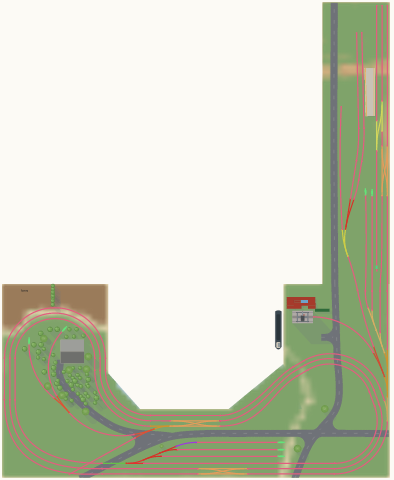
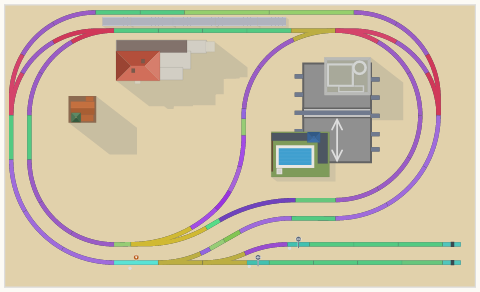
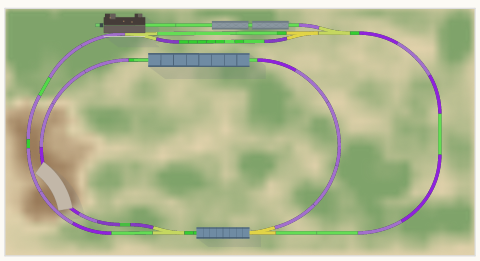
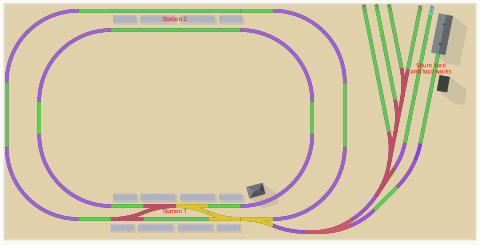
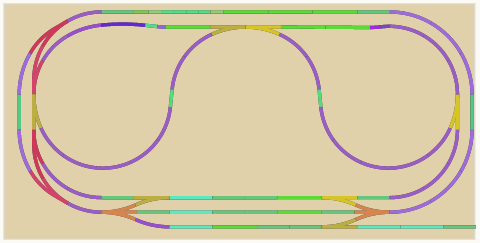
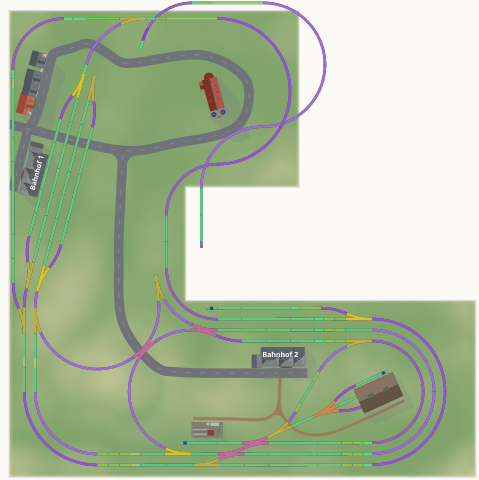
Trackplanner knows 143 track systems with the manufacturers’ track. All track systems
Questions
Do I need an app from the App Store?
No, you don't need one. Trackplanner runs entirely in the browser, in Safari on the iPad and in Chrome on Android tablets, with every feature. If you like, add it to your home screen and it starts like an app.
Does it work with a stylus?
Yes. With a stylus such as the Apple Pencil you tap to select and drag to move.
Does it work offline?
No. Trackplanner needs an internet connection to open.
What does it cost?
Starting costs nothing. What Premium adds and what it costs is on the pricing page.
Lay your first track plan on the tablet
Open Trackplanner in your tablet’s browser. To plan, you create a free account.
Open in the browser