Your WinTrack plan runs without WinTrack
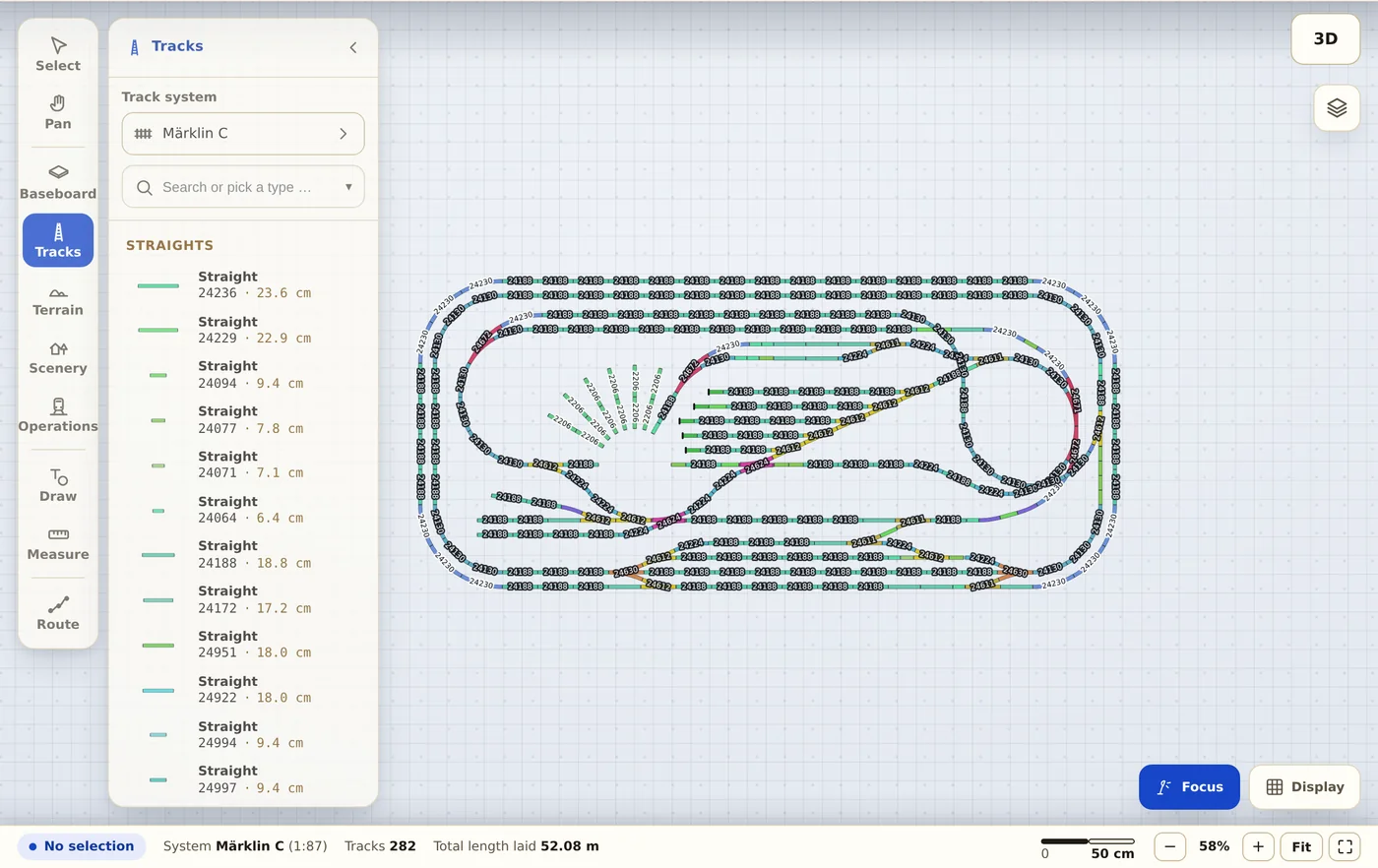
Trackplanner reads .tra files directly — including double slips, three-way and curved turnouts. No second program to learn, nothing to convert.
.tra WinTrack
-
Pick the file
The .tra file is uploaded once to be read. You change nothing in WinTrack itself.
-
Read the preview
Recognised track systems, placed objects and the coverage are on screen before you save — honestly, even when accessories are missing.
-
Share the link
Your plan gets a permanent address; viewers need neither an account nor an installation.
What comes across from WinTrack
- Track and turnouts, including double slips, three-ways and curved turnouts.
- Heights, gradients and levels, so ramps and multi-deck layouts add up.
- The parts list with your manufacturer’s article numbers.
- From WinTrack file version 6.1 also drawings, labels, baseboard and terrain; plus accessories such as signals, buildings and trees — the preview says what is missing.
Before you upload a file
Who owns my plan after the import?
You do. You remain the author, your name stays with the plan (profile with attribution). All we get is the right to display it publicly — nothing more.
Why is my plan public?
In the free account plans are public — that is the deal, and we say it openly: you get permanent hosting and a link, the community gets your plan to look at. If you need private plans, choose Premium.
Does really everything come along?
The track: yes, with exact manufacturer geometry. Accessories and scenery: partly, depending on the format — the import preview tells you honestly how much was placed before you save.