Your 3rd PlanIt plan, shareable without an installation
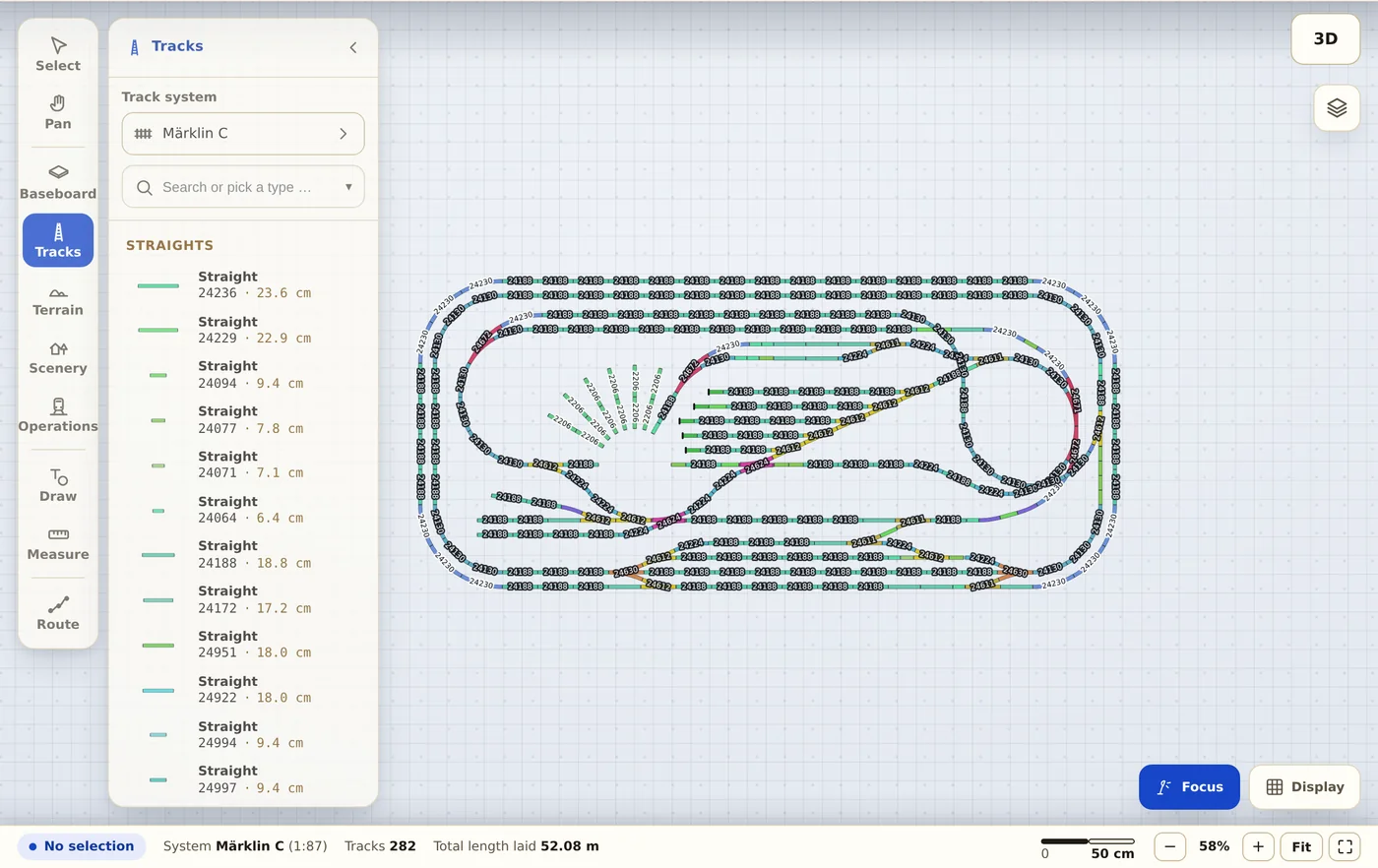
Trackplanner reads .3pi files and re-lays your track with the geometry of real catalogue parts. Anything you drew freehand becomes flex track with the same shape. The plan then runs in any browser, including for people who never installed 3rd PlanIt.
.3pi 3rd PlanIt
-
Pick the file
The .3pi file goes to our server once to be read, up to 100 MB. The import skips textures and the 3D scene.
-
Read the preview
You see which track systems were recognised and how many parts were placed. Anything that couldn't be matched shows up as a number.
-
Share the link
Share the plan in a forum or on your club’s page. Anyone who wants to join in needs neither an account nor an installation.
What comes across from 3rd PlanIt
- Turnouts by article number, otherwise by their geometry in the matching track system.
- Straight and curved track with catalogue dimensions as real catalogue pieces, with article numbers in the parts list.
- Freehand curves, easements and SoftTrak track as flex track.
- Heights, levels and labels.
- The terrain as an approximation: Trackplanner converts the triangle mesh to its height grid, up to 60 cm above or below the lowest track. Buildings, areas and trees don't come across.
Before you upload a file
Who owns my plan after the import?
You do. You remain the author, your name stays with the plan (profile with attribution). All we get is the right to display it publicly — nothing more.
What happens to my original file?
It is processed for the import and never passed on; the plan is rebuilt from our own track libraries. Only if importing a WinTrack, AnyRail or 3rd PlanIt file fails or stays incomplete do we keep it privately for 30 days to find the bug. After that it is deleted.
Does really everything come along?
The track: yes, with exact manufacturer geometry. Accessories and scenery: partly, depending on the format — the import preview tells you how much was placed before you save.