Your AnyRail plan, in the browser and by link
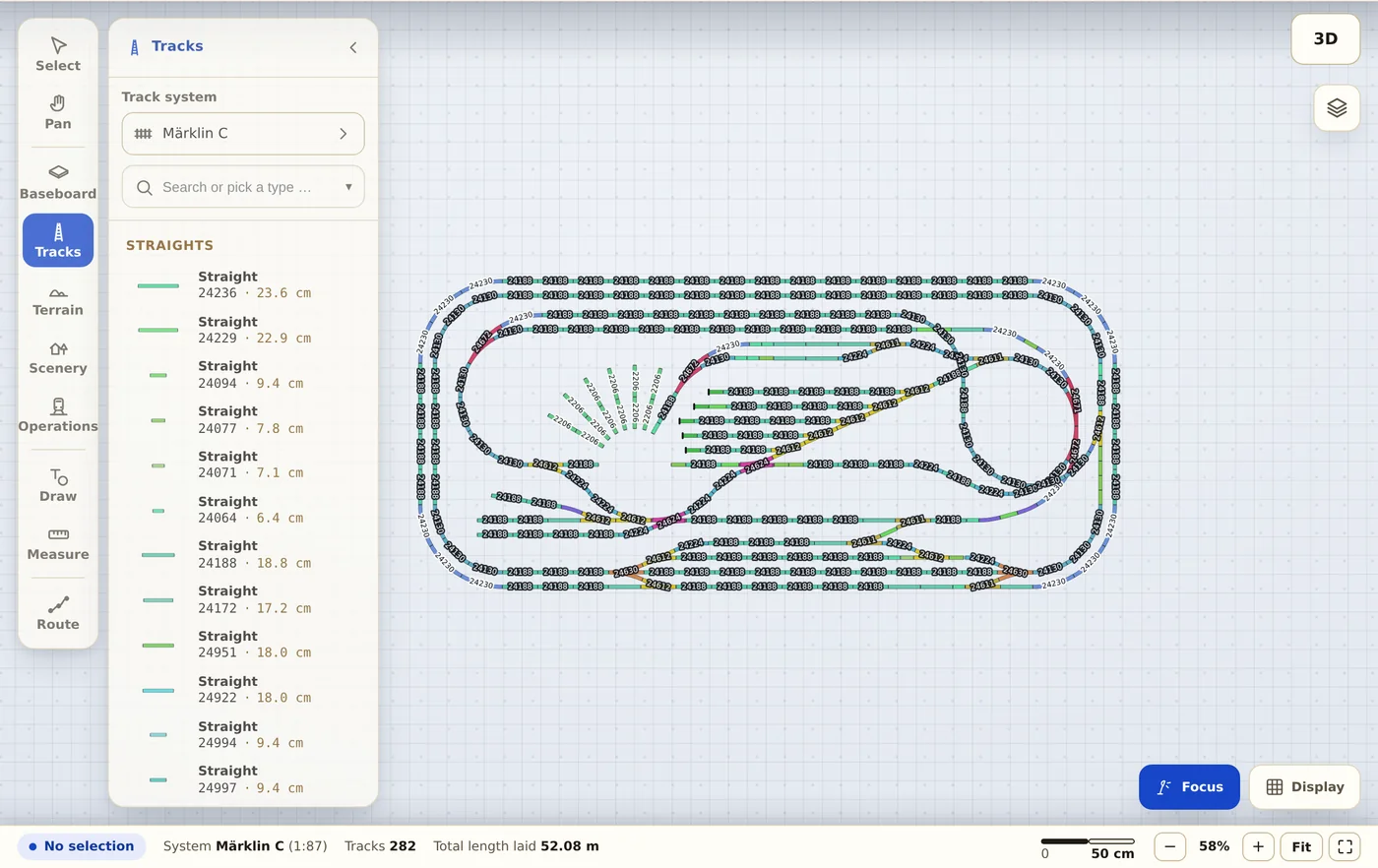
Trackplanner reads .any files of both format generations and rebuilds the plan with your manufacturer’s exact geometry. Afterwards it has an address you can put anywhere.
.any AnyRail
-
Pick the file
Your .any file stays where it is — you upload it once to be read. Nothing to export or re-save in AnyRail.
-
Read the preview
You see which track systems were recognised and how many objects were placed. Whatever could not be matched is shown as a number — not in the small print.
-
Share the link
The finished plan gets a permanent address for your build thread, plus the parts list with article numbers.
What comes across from AnyRail
- Track and turnouts with article number and exact geometry.
- Flex track with its actual curvature, not an approximation.
- Heights and gradients, so ramps and helices too.
- Areas, lines and labels from the drawing, plus rulers and the baseboard (from AnyRail 7).
- Accessories and scenery: partly — the preview states the number up front.
Before you upload a file
Who owns my plan after the import?
You do. You remain the author, your name stays with the plan (profile with attribution). All we get is the right to display it publicly — nothing more.
Why is my plan public?
In the free account plans are public — that is the deal, and we say it openly: you get permanent hosting and a link, the community gets your plan to look at. If you need private plans, choose Premium.
What happens to my original file?
It is processed for the import and never passed on; the plan is rebuilt from our own track libraries. Only if importing a WinTrack or AnyRail file fails or stays incomplete do we keep it privately for 30 days to find the bug. After that it is deleted.