
Trackplanner Kids: build the wooden railway on the tablet first, then in the playroom.
Lay the track, look at it in 3D, send the train off and print the parts list. For wooden track, LEGO® DUPLO® track and the LEGO® train.
Where this comes from
“Twenty years ago I built the program because nothing like it existed. Today I am rebuilding it because I want my children to use it.”
Georg Wächter, founder and developer
Three questions parents ask
What can we build with the pieces we have?
Choose what you play with, then start from a ready-made idea or lay your own. If you enter what is in your box, the catalogue shows for every piece how many are still left.
Will it fit in the room?
Enter the size of the room and add the bed, the wardrobe and the rug. The track then sits on your floor, in 2D and in 3D.
What are we missing?
The parts list shows which pieces the track needs and which of them are not in your box. You can print the building instructions with pictures, step by step.
A profile for every child
The account belongs to you, the parents. Each child gets their own profile with their own tracks and taps their picture under “Who’s playing?” at the start. Settings, the account and purchases sit behind a parent gate.
Privacy
No ads, no trackers, nothing public. In the free version too.
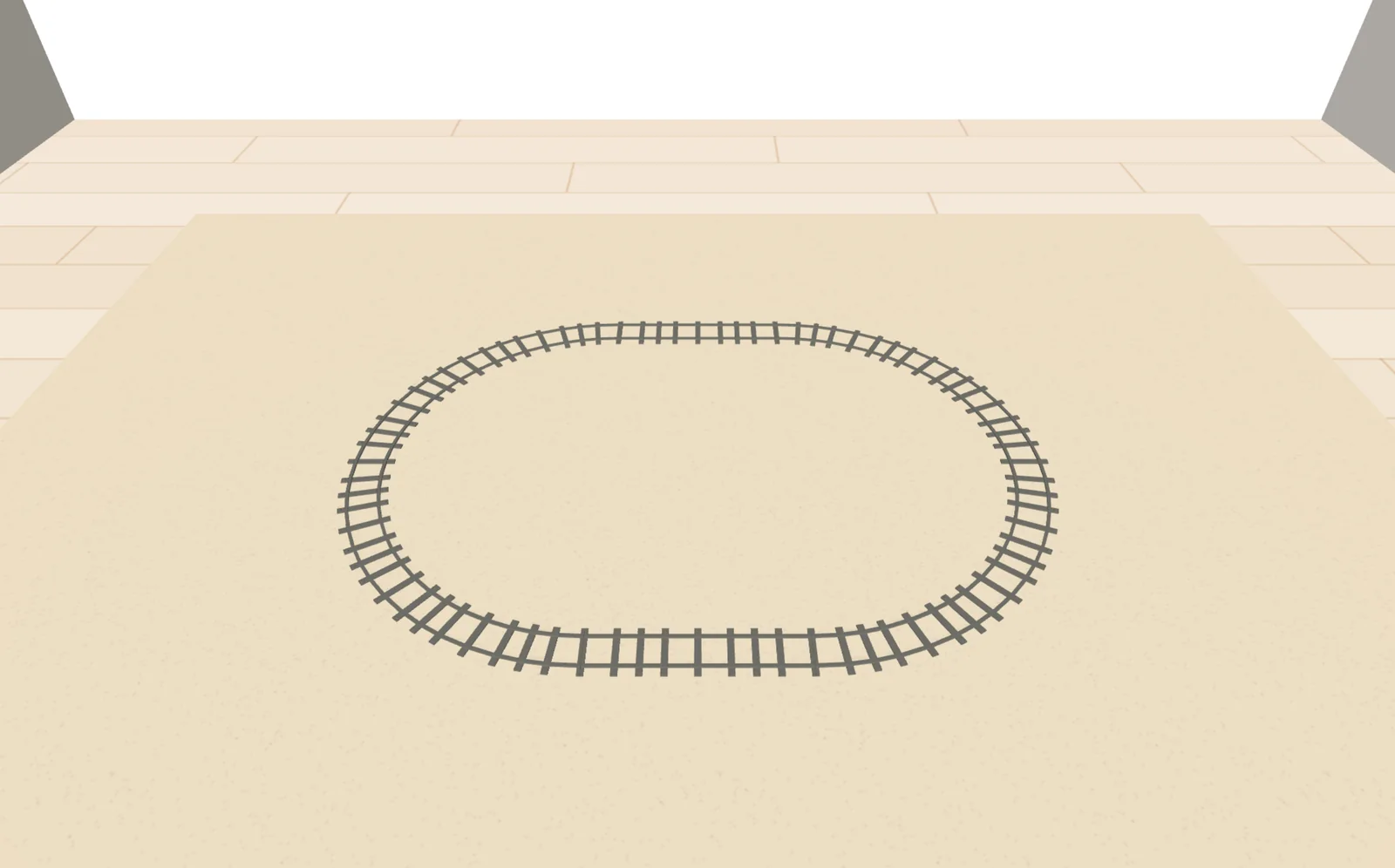
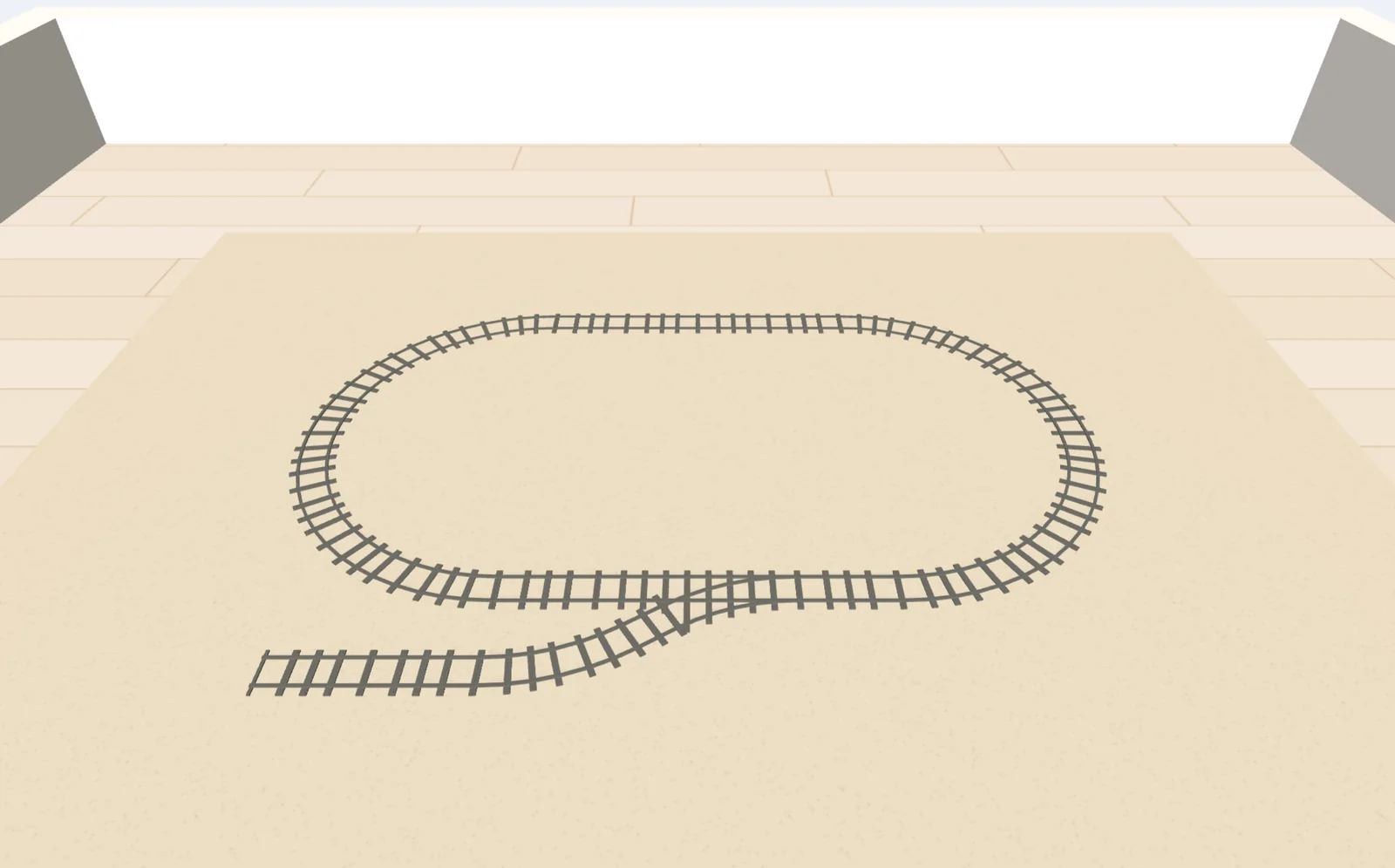
Starter ideas to build
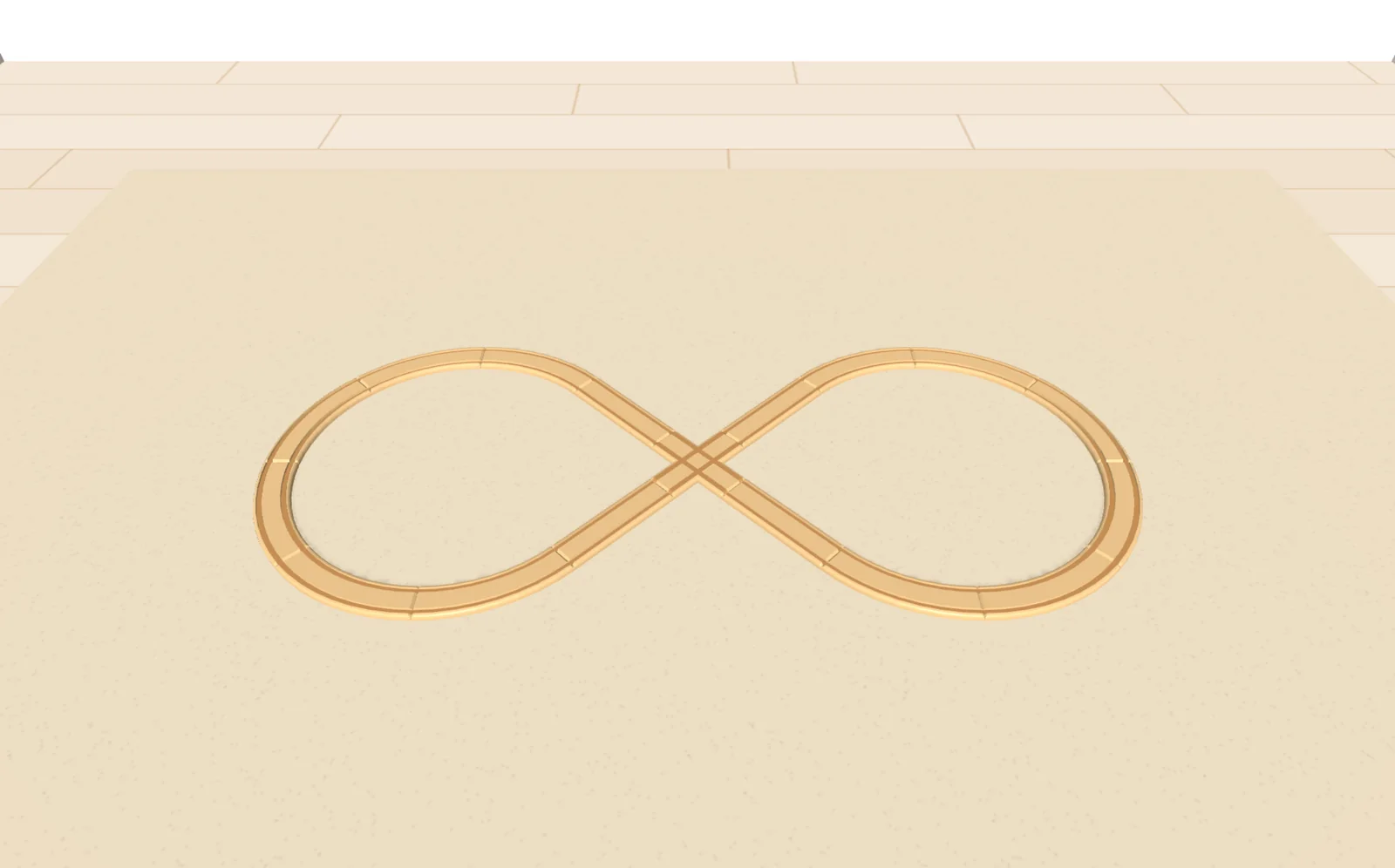
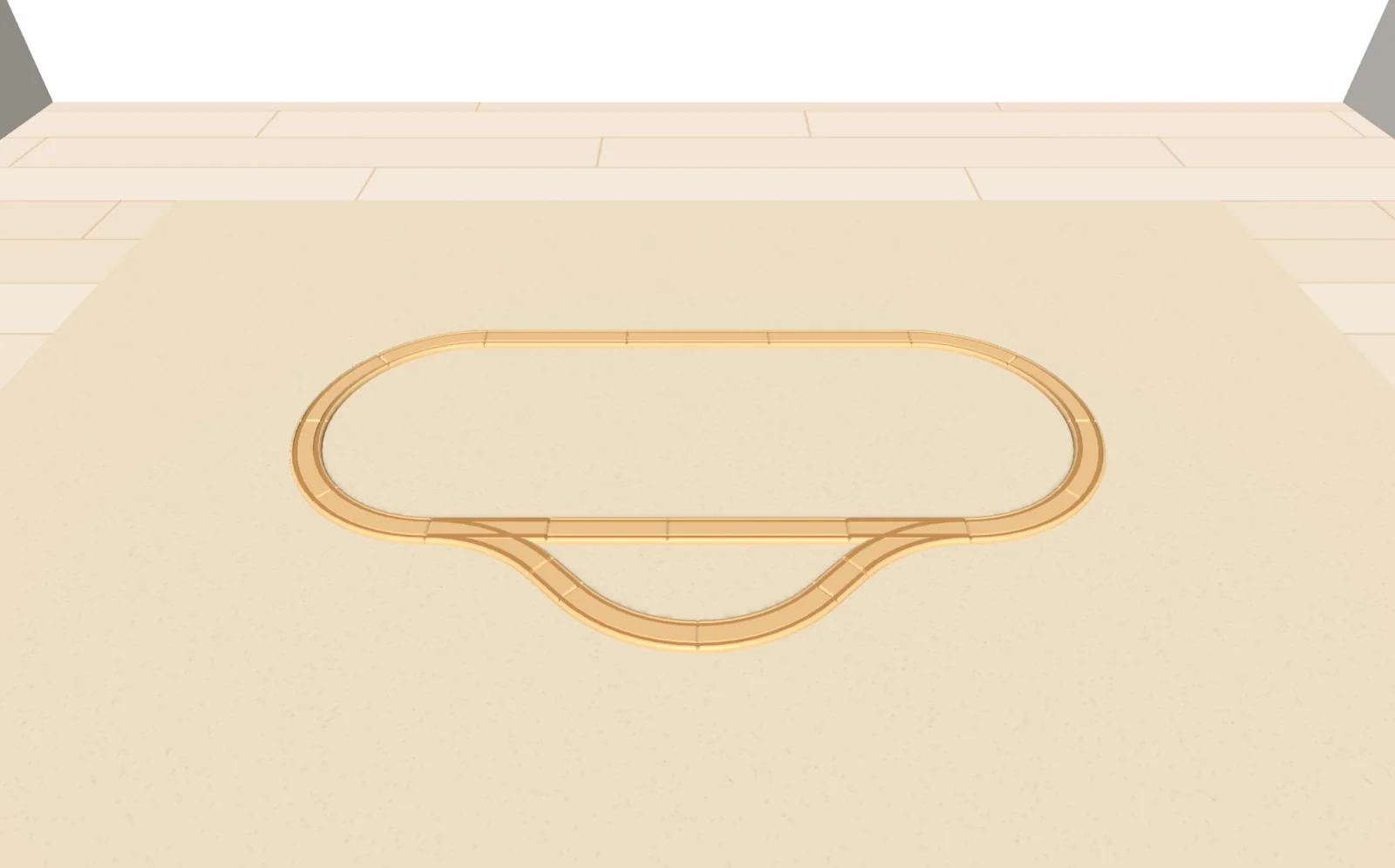
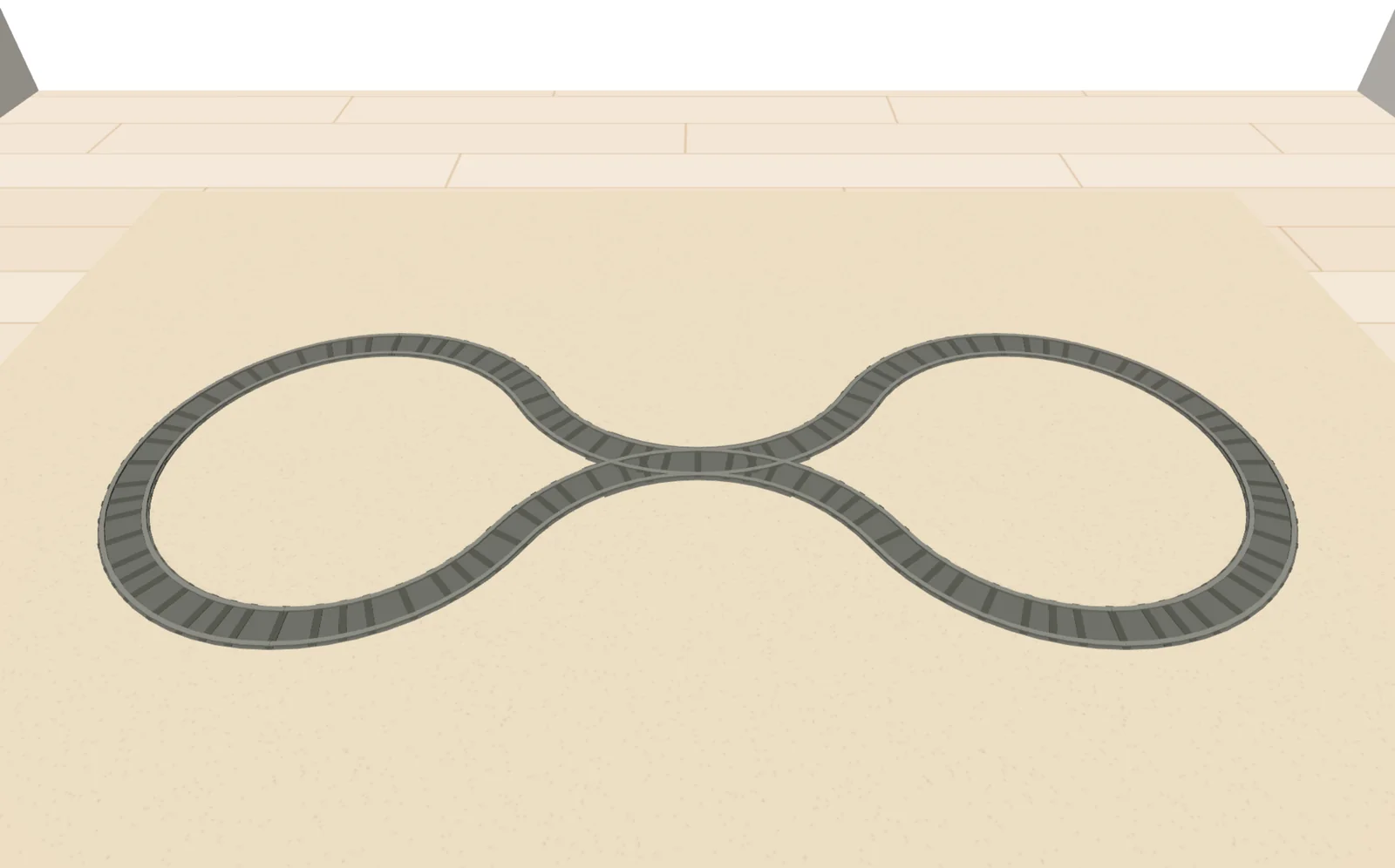
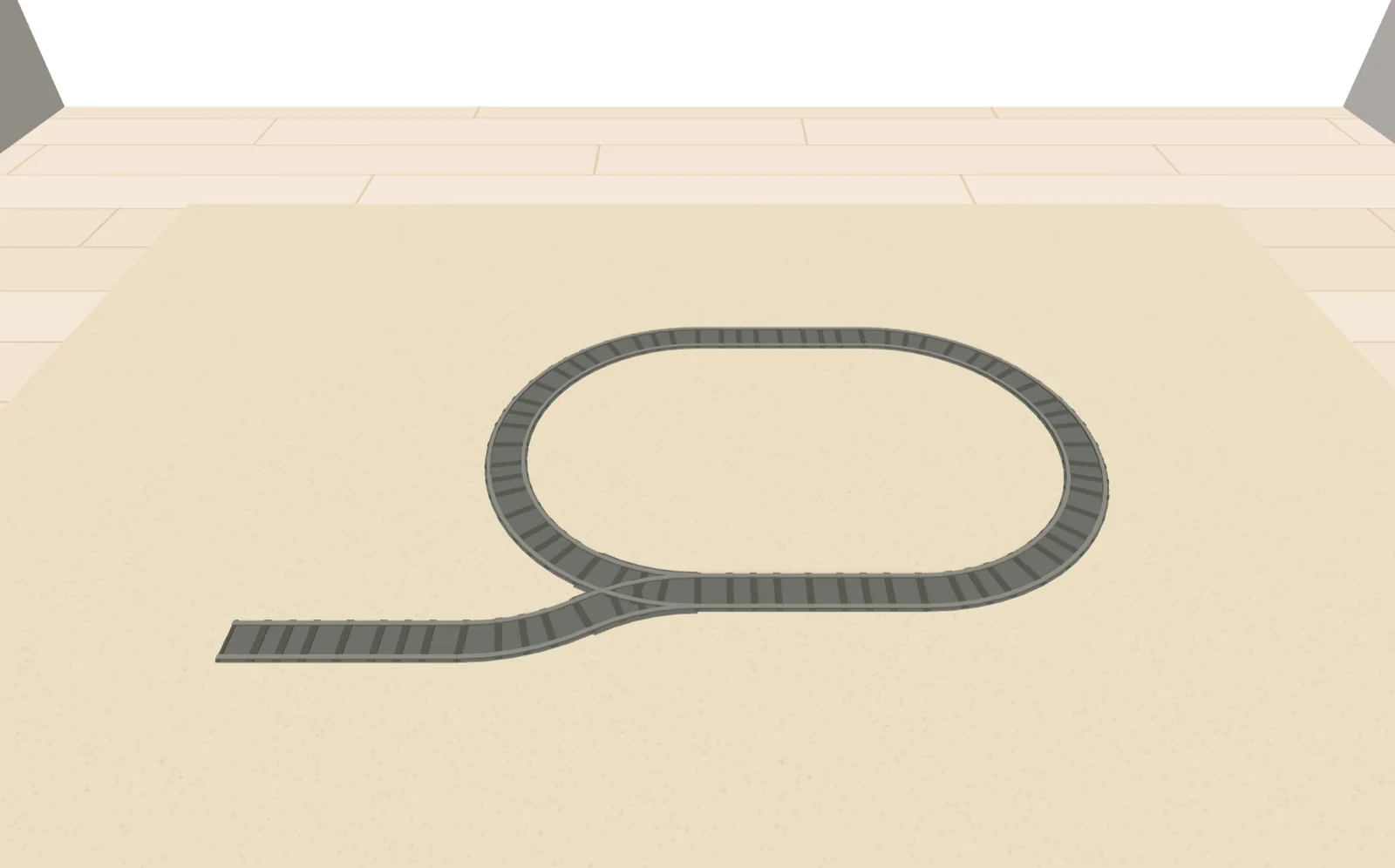
Ideas and planner by track system
Data sheets of the track systems
Runs in the browser, on a tablet too.