Planning together in a club
Work in progress: This section is still a work in progress — content is being added and revised continuously.
A club project plans better between two or ten people than alone. Trackplanner plans can be shared, viewed together and edited live — everyone sees what the others are working on right now.
Step 1 — Share the plan
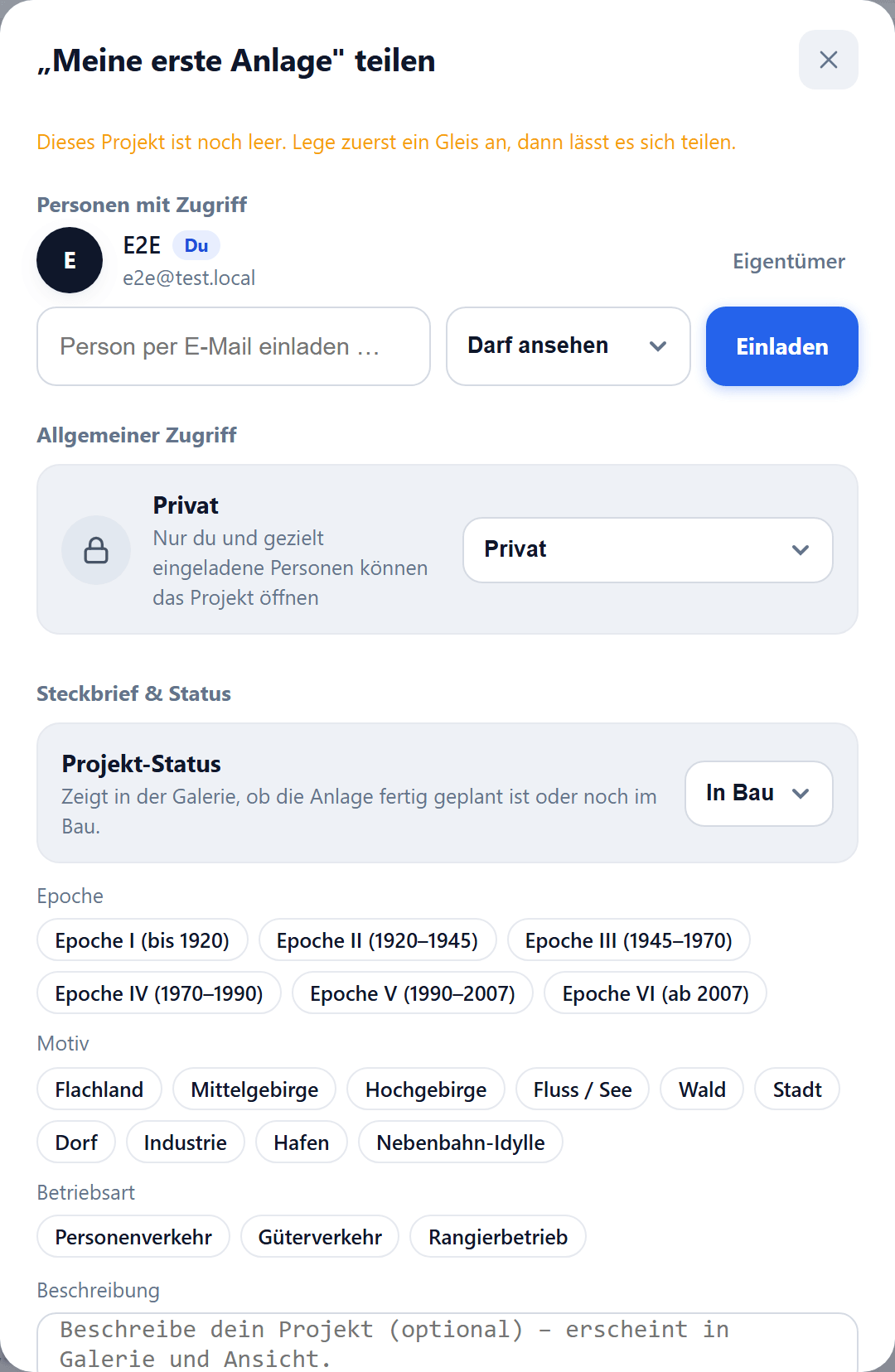
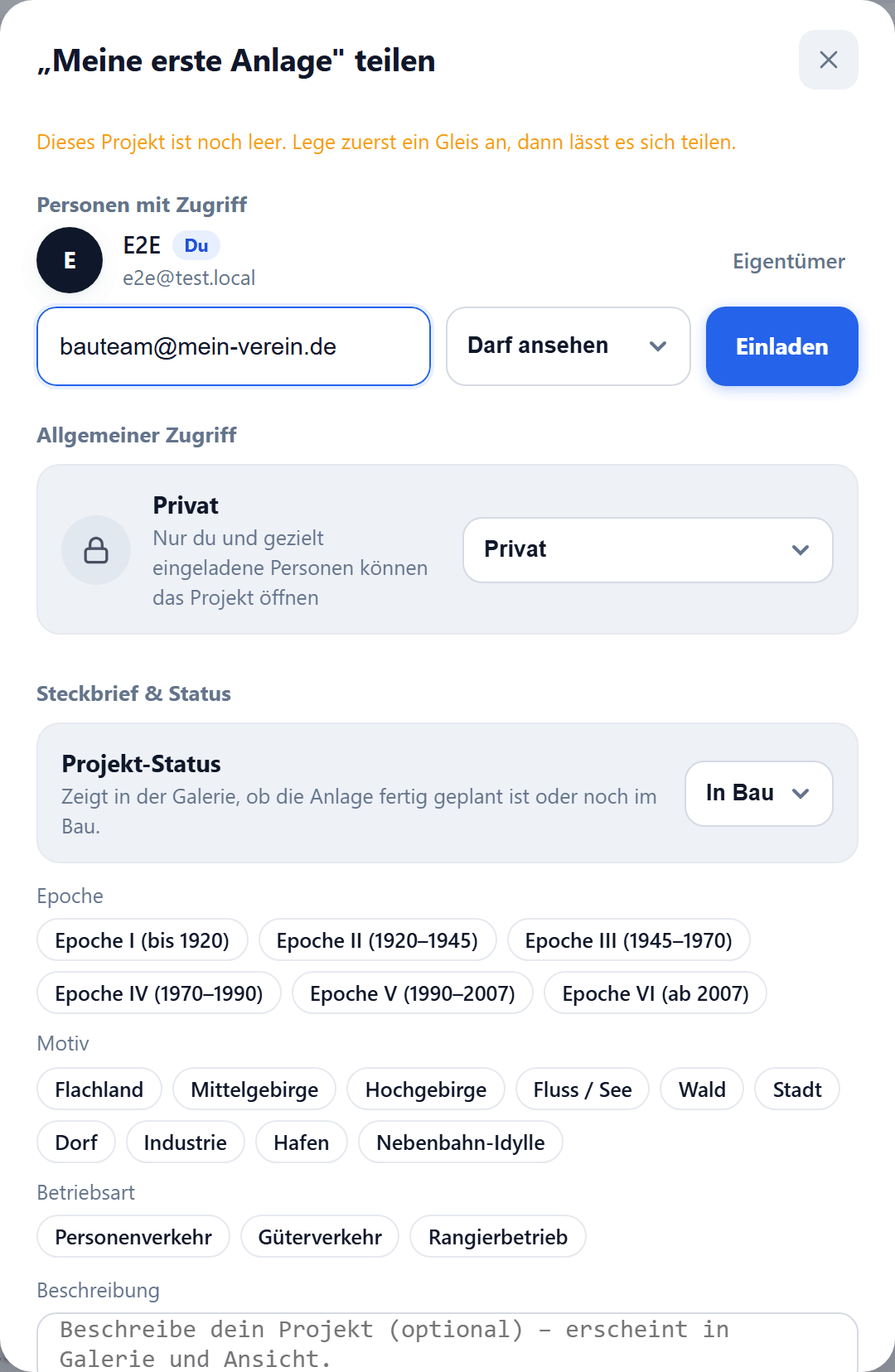
Open the share menu and invite fellow planners — by link or by name via their email address. Anyone with the link is in with a single click.
Step 2 — Grant permissions
For each person, decide whether they may only view or also build. That way the committee can sign off on the state while the build team keeps working on the track plan.
Step 3 — Build together live
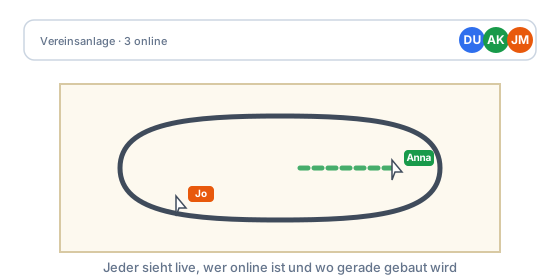
When several people are in the plan at once, presence avatars at the top show who’s online and where they’re working. Changes appear instantly for everyone — no more sending files back and forth.
What’s next?
- Continue with the series: First oval with a siding.
- How-to: The train profile in detail.